Brand Shoot
Not headshots - a relaxed, personally directed studio session for hero brand imagery. Strategy, styling, multiple looks. 20+ retouched images, motion clips, and a mini website of your imagery. This isn't a standard shoot - it's creative direction.
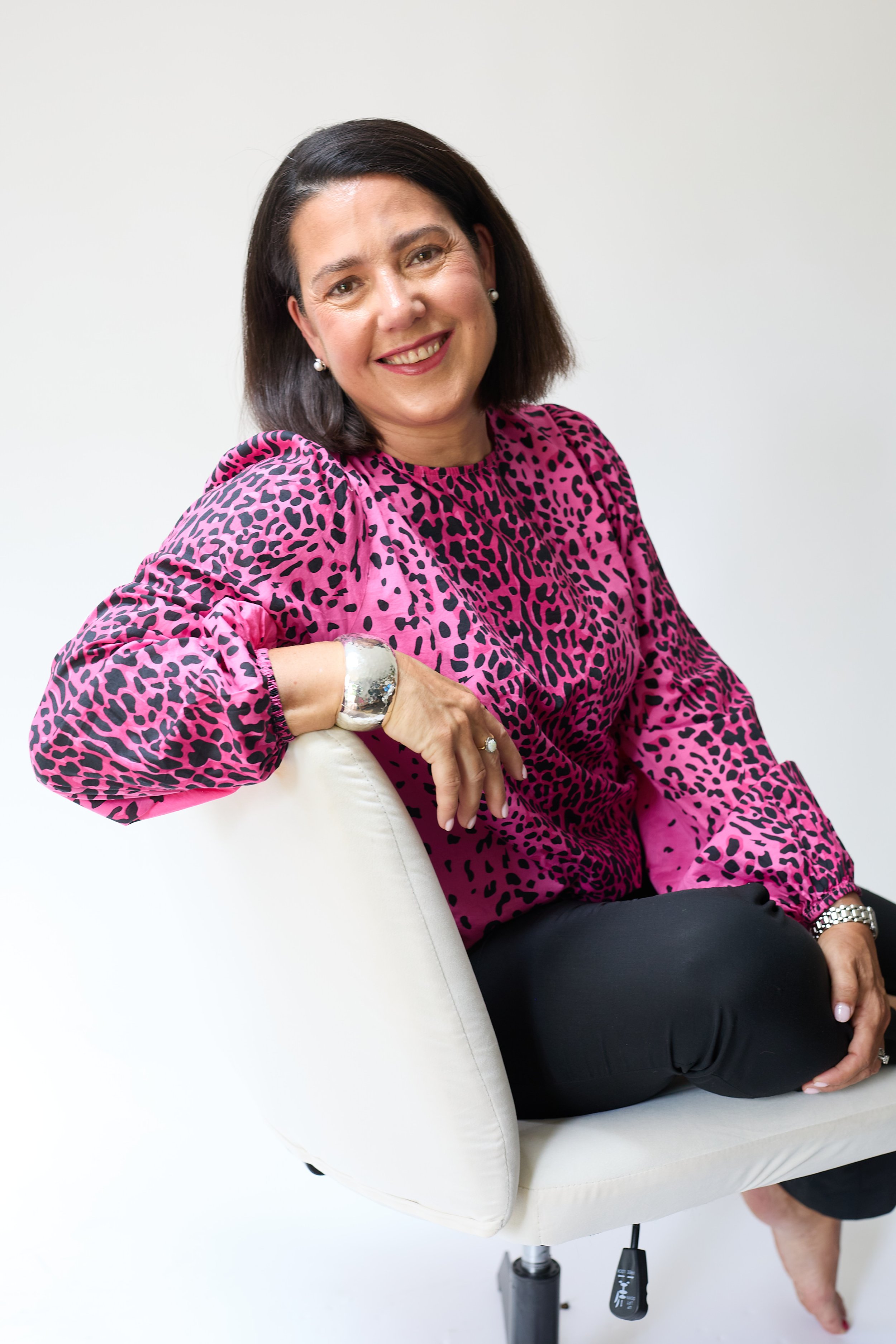
What you walk away with.
How it works.
01 Brand Discovery
We discuss your brand, audience and how you want to be perceived. I create a shot list tailored to your needs.
02 Styling & Prep
We plan outfits and settings. Nothing left to chance. Luxury styling available on request.
03 The Shoot
3 hours of personally directed photography and motion content. Relaxed, one-on-one. Headshots, lifestyle, working imagery, short video.
04 Edit & Deliver
Curated gallery goes live online. 20+ fully retouched images plus motion clips. Add the AI production package for an entire brand library.
Common questions.
What's the difference between Brand Shoot and Brand Content?
Brand Shoot is the polished, styled studio session for hero imagery - the LinkedIn portrait, the website hero, the campaign image. Brand Content is the on-location day where I follow you through events, workshops or behind-the-scenes - capturing real, social-first content. Two different jobs. See the Brand Content page for that one.
How many images do I get?
20+ fully retouched images plus 3 motion clips. Add the AI add-on for an entire brand library.
Can you shoot at my office instead?
Yes - on-location is available, but the studio gives the most polished hero imagery. For office/event content, look at Brand Content instead.
I'm not photogenic - will this work?
I hear this constantly. My superpower is making people forget the camera is there. Champagne, music, real direction. Your only job is to show up.
What's the AI Brand Imagery add-on?
This is where my AI fluency meets real photography - and it's genuinely rare. For +£750 I take your best studio shots and build an entire content library around them: AI-enhanced imagery placing you in scenarios impossible to shoot in real life (boardrooms, stages, editorial settings), plus scroll-stopping UGC-style content created by combining your real photos with AI. The trick isn't the tools - it's the eye that keeps every frame looking like you, on-brand, and never like generic AI slop. One shoot becomes a year of content.
How do I use the photos and motion clips?
Everywhere - LinkedIn profile and posts, website, email signatures, press features, pitch decks. Motion clips are perfect for LinkedIn video and Instagram reels.
Let's make it happen.
Book a free 20-minute discovery call and we'll work out the shortest path to what you need.